


Filters
Find your signature look
Curated color, contrast and tone designed to give every photograph a distinct point of view. Start with a Look, then make it entirely your own.
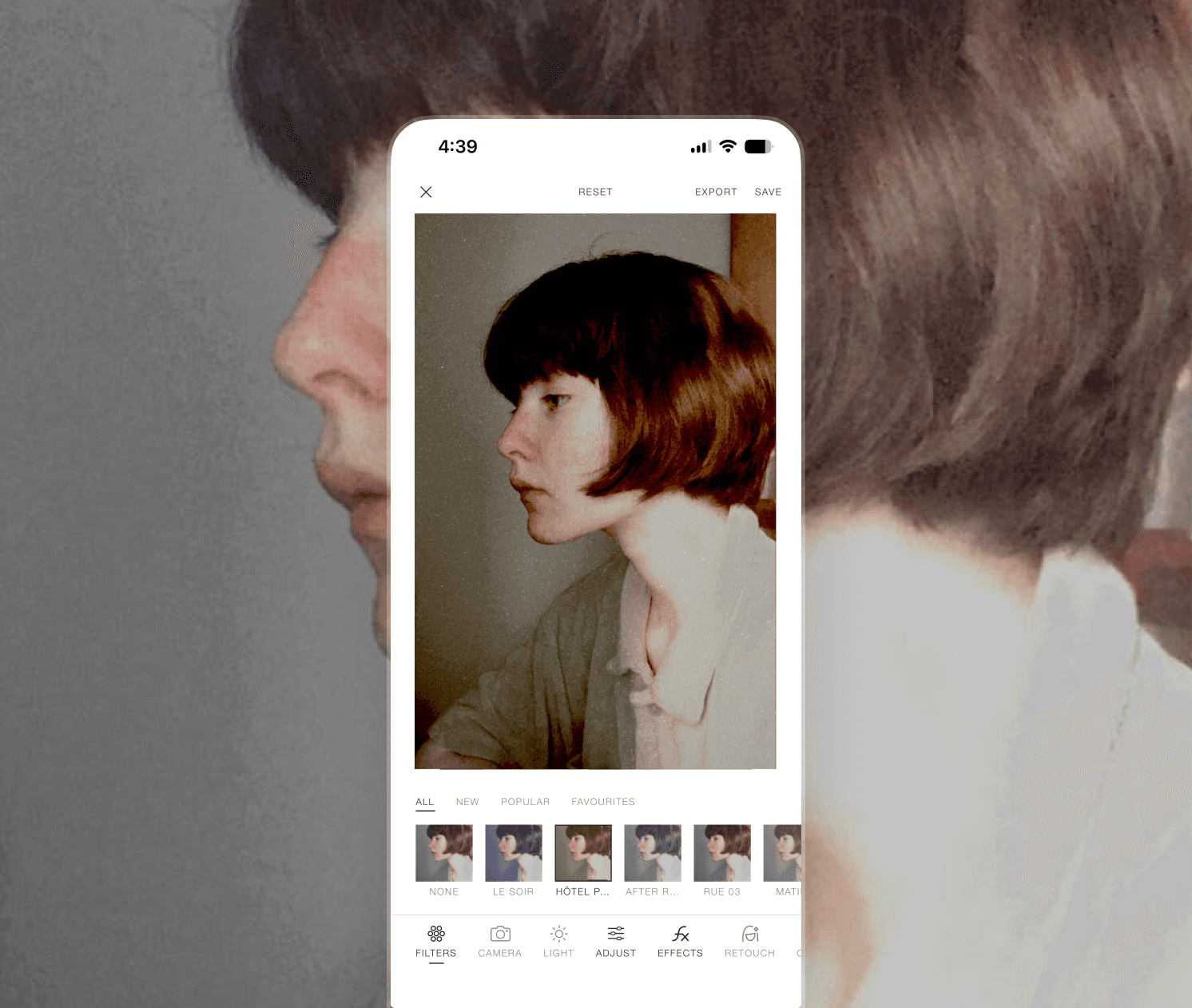
Filters
Curated color, contrast and tone designed to give every photograph a distinct point of view. Start with a Look, then make it entirely your own.
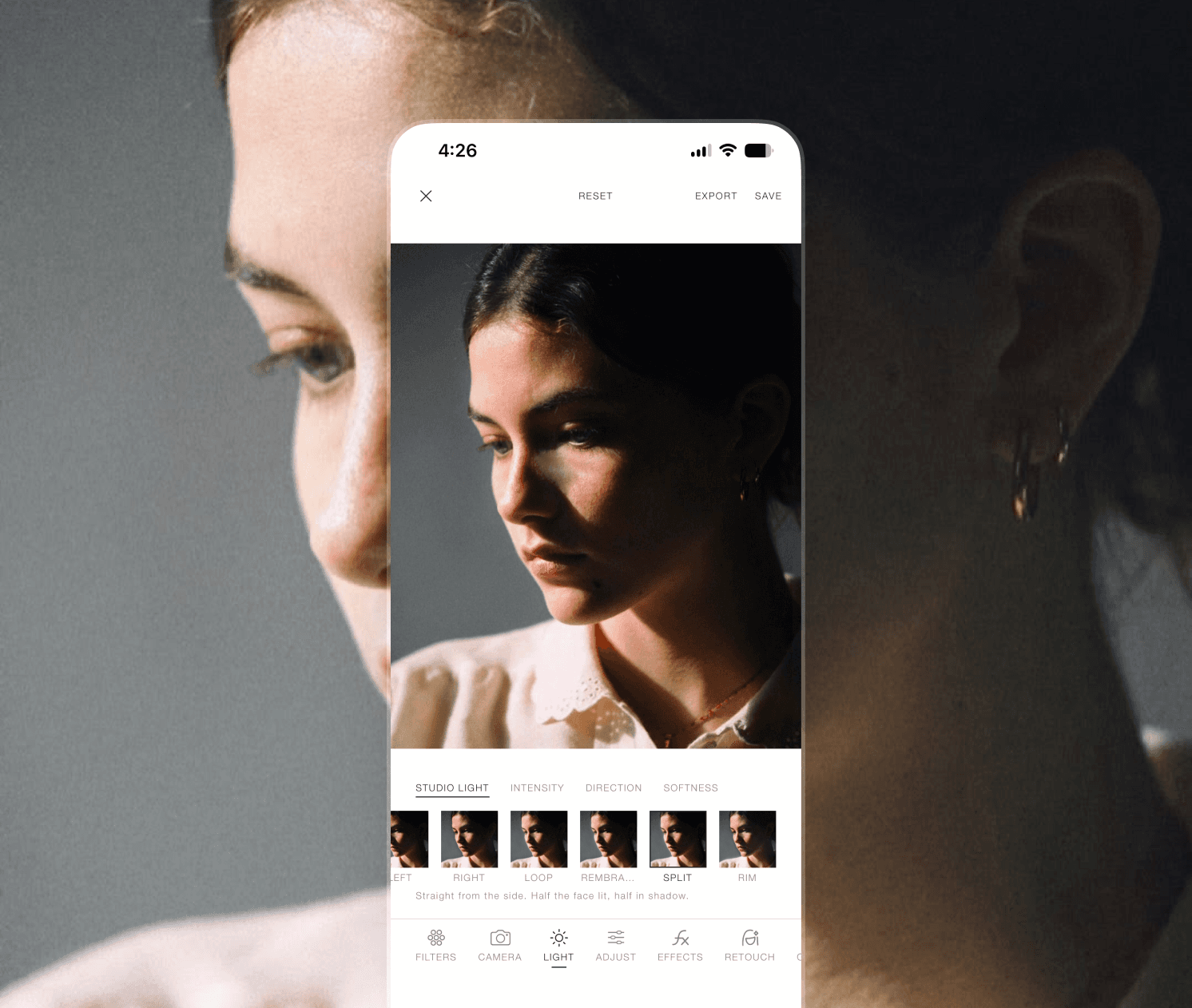
Lighting
Eight studio set-ups a photographer would recognise — Butterfly, Loop, Rembrandt, Split, Rim. Shape the light already in the frame with intensity, direction and softness.
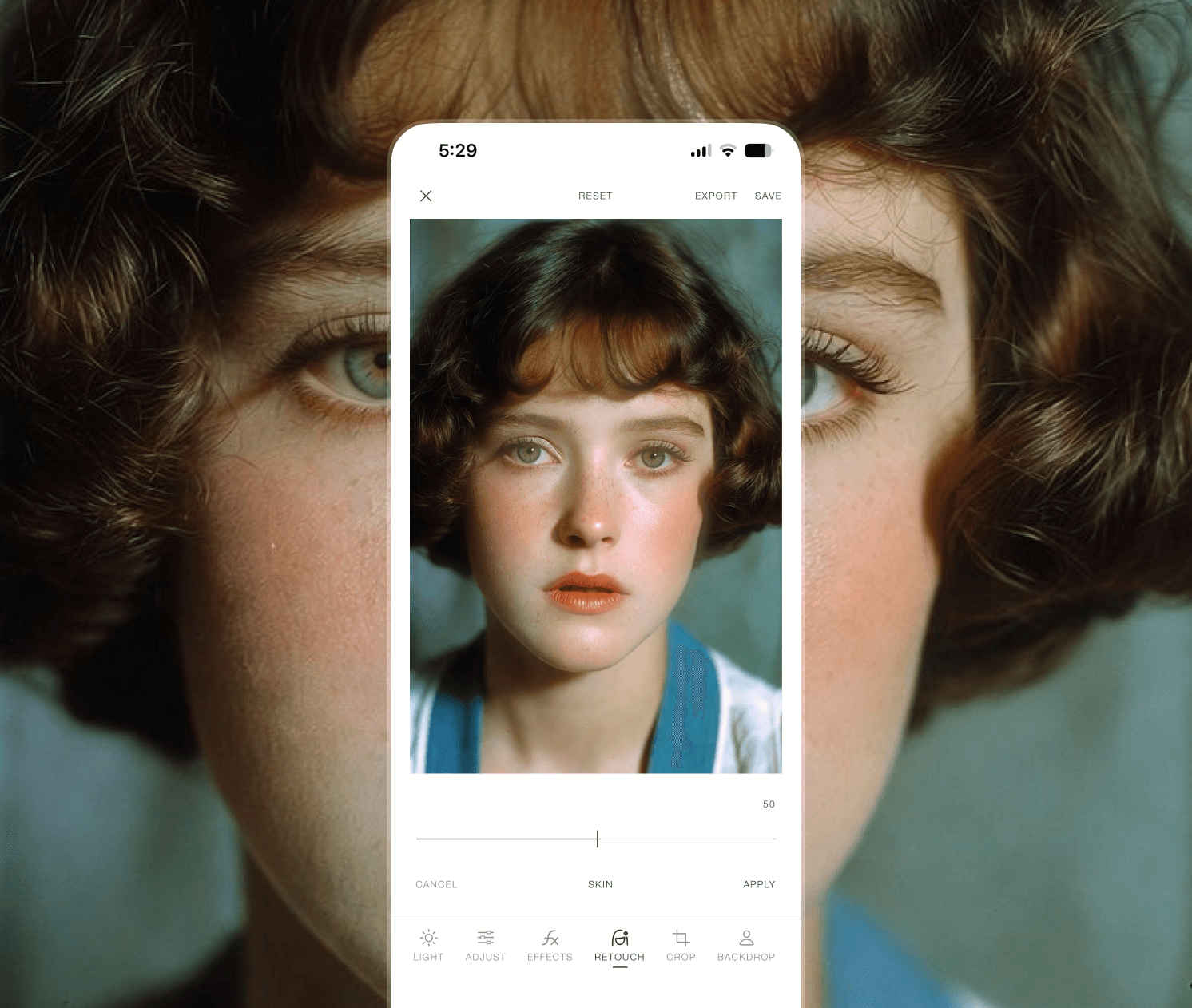
Retouch
Skin, eyes, teeth and tone, each masked to the subject and measured against their own complexion. It evens what should be even, and keeps every pore.
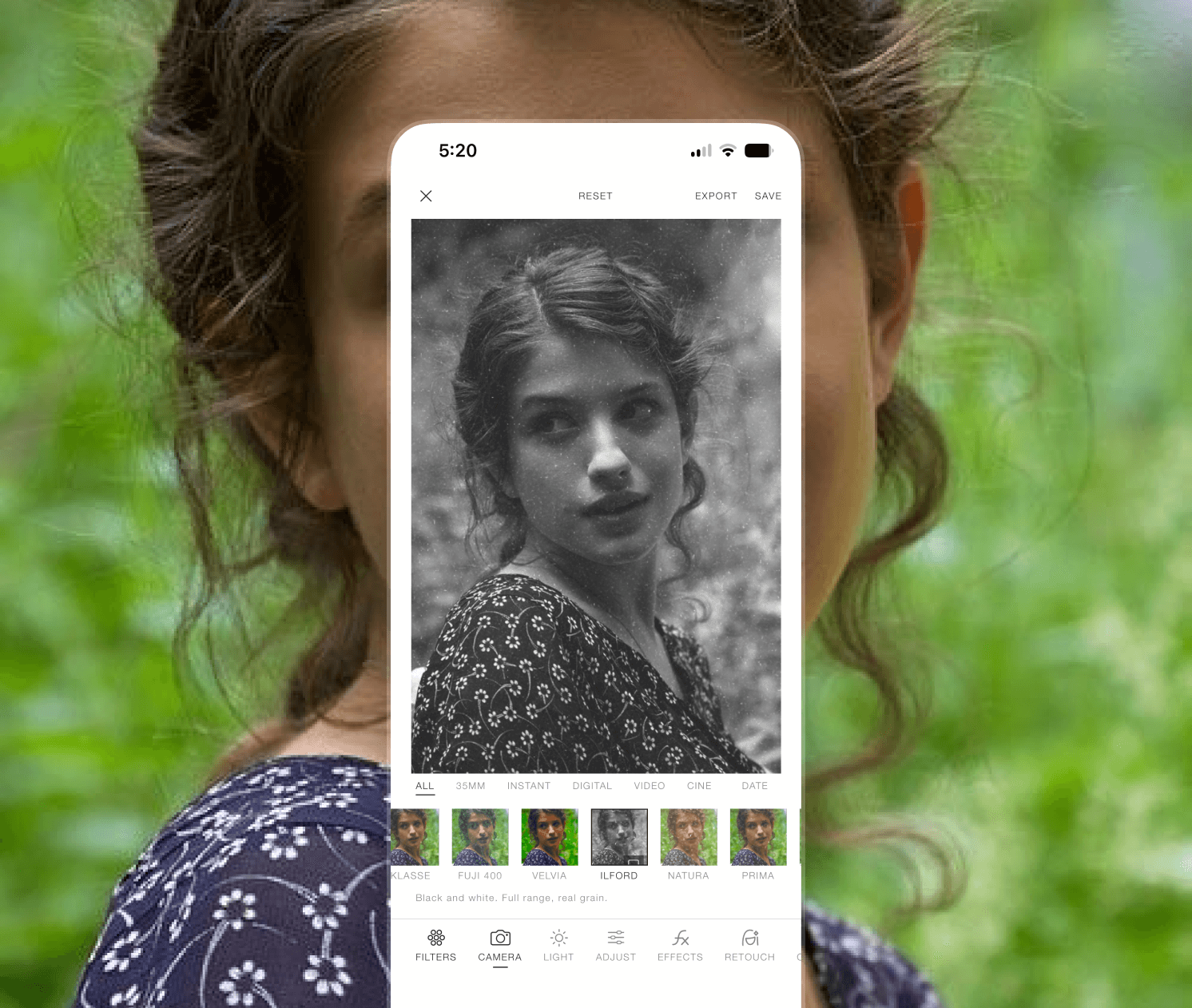
Camera looks
Thirty-five millimetre, instant, digital, video and cine — each an exact colour response with its own curve, split tone and grain. Vintage looks that behave like film rather than like a preset.
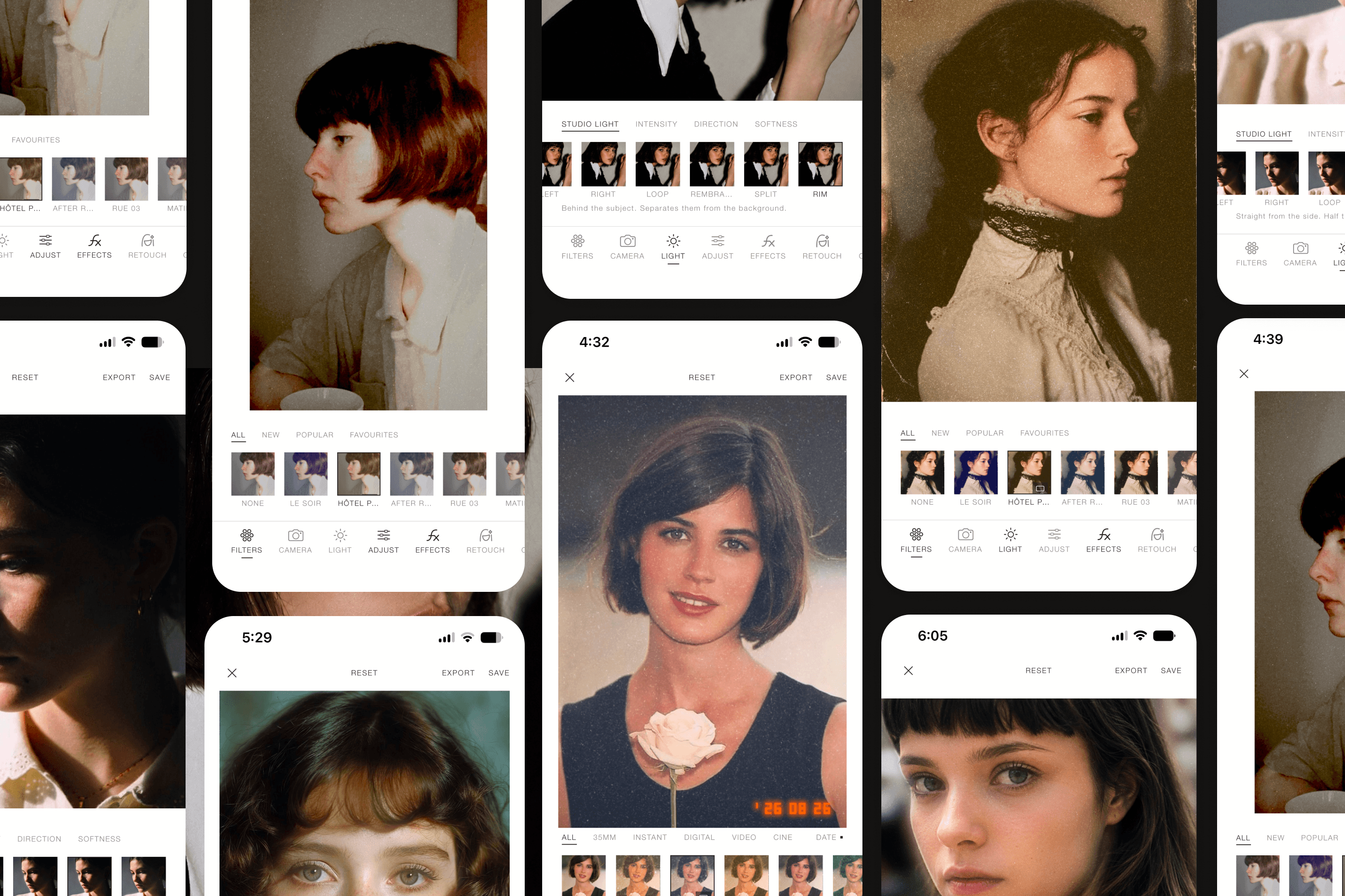
A growing community of creators shaping everyday moments into photographs that feel distinctly their own
Orene is the first editor that understands a portrait. The Looks land somewhere between a film stock and a colourist's grade, and the retouch is invisible in the way retouching is supposed to be.
Every slider moves the photograph while my finger is still on it. After years of tapping and waiting, that alone changed how I edit.
Square corners, small type, nothing shouting. It looks like the magazines I keep, which is not something I say about an app.
I shoot on Fling 35 straight from the camera tab now. The viewfinder shows the real grade, so there is nothing to guess at and nothing to fix afterwards.
Noir is a proper portrait black and white, not a desaturation. Skin stays light, marks stop reading as blotches. Someone who prints made that.
The tan and skin tools are keyed to the subject's own complexion rather than a preset. It is the difference between a tone and a stain.
Nothing leaves the phone. For client work that is not a nice-to-have, it is the whole reason I switched.
I reopen a portrait from three weeks ago and every slider is exactly where I left it. Editing on a phone has never felt this unhurried.
It is the only editor on my home screen. Everything is on the device, everything is instant, and it never once asked me for my camera roll.
The lighting tool is the one I did not expect. Rembrandt at forty percent on a flat window-lit frame, and it reads as if the lamp had always been there.
Forty stocks and not one of them is a filter pretending to be film. The grain, the halation, the split tone — they behave.
